 The Fastest Mouse Clicker, OP AutoClicker Record Play, et al. | Official Site
Official Site of The Fastest Mouse Clicker for Windows, The Fastest Mouse Clicker for Linux, OP AutoClicker Record Play for Windows, 2048 Game Professional AutoClicker Mod, other full-featured applications without Ads, cookies, tracking, spying, and collateral personal data leaks.
Download the latest version : 3.0.1.0
( mirror ) - read ChangeLog
Featured project: 183 , 34 , 71266807
Site map
- windows2048.com | Home
- The Fastest Mouse Clicker for Linux
- The Fastest Mouse Clicker for Windows
- Fast Mouse Clicker vs. Speed AutoClicker vs. Terminator vs. others
- OP AutoClicker Record Play for Windows (AutoClicker2)
- 2048 Game Professional AutoClicker Mod
- Bézier Curve: AI-Powered Human-Like Mouse Movement
- Best Auto Clicker Settings for Popular Games
- Click Speed Test
- Mouse Polling Rate
- Multiple Display Setups
- Auto Clicker Setup for Seniors with Arthritis
- The Fastest Mouse Clicker for Windows | Disambiguation
- The Fastest Mouse Clicker for Windows | Features
- The Fastest Mouse Clicker for Windows | Help How To Use
- The Fastest Mouse Clicker for Windows | Screenshots
- The Fastest Mouse Clicker for Windows | Source Code
- The Fastest Mouse Clicker for Windows | Technology
- windows2048.com | Terms of Service
- windows2048.com | Updater Component
- windows2048.com | About
The Fastest Mouse Clicker for Linux
The fastest auto-clicker for Linux desktop. Brand new cross-platform app written in C++ utilizing Qt, libuiohook, atomic variables; comparison vs. XClicker
Updated : Apr 01 2026.
Quick Start
The whole application has been written in C++ from scratch leveraging well known mature Qt framework for GUI rendering and high level user interaction, while special libuiohook library dedicated entirely to mouse click and key press events emulation is utilized to accurately handle all console I/O hardware behavior. Atomic variables are used to minimize the latency between CPU threads that do the actual work.
The program is distributed as an AppImage file and should run on virtually all Linux distros that are not older than Ubuntu 22.04 LTS. Particularly, at least GLIBC_2.32 and GLIBCXX_3.4.29 are required that means at least GCC version 11+ runtime to be installed on your system.
Important note on X11/Xorg vs Wayland
By design, it has been made nearly impossible to run ANY auto-clicker software under Wayland protocol and corresponding window manager on Linux, unless the whole Wayland compositor is running under root. This is a great, advanced measure against any keylogger rat in nowadays Linux versions.
But Wayland compositor comes as a default window manager starting at Ubuntu 22.04 LTS. So, how to use auto-clicker apps under Linux anyway? You should switch to the traditional X11/Xorg window protocol. On Ubuntu you just logout from your GUI session then find the “gear” Settings icon in the bottom right corner of your desktop, click it, and select “Ubuntu on Xorg”, then login again. On other Linux distros there should be their own ways to switch back to X11, read the manual, ask AI.
Once being logged in into the GUI session, check either:
echo $XDG_SESSION_TYPE
or:
loginctl show-session auto -p Type --value
it should show either wayland or x11.
Don’t forget chmod just after download the app:
chmod u+x ./TheFastestMouseClickerv3_v3.0.1.0.AppImage
If launched from a terminal, TheFastestMouseClickerv3_v3.0.1.0.AppImage will output many debug info to the stderr, that will slow-down the program, so consider to run it as:
./TheFastestMouseClickerv3_v3.0.1.0.AppImage > /dev/null 2>&1
| Linux - Ubuntu on Xorg - Mouse Left |
|---|
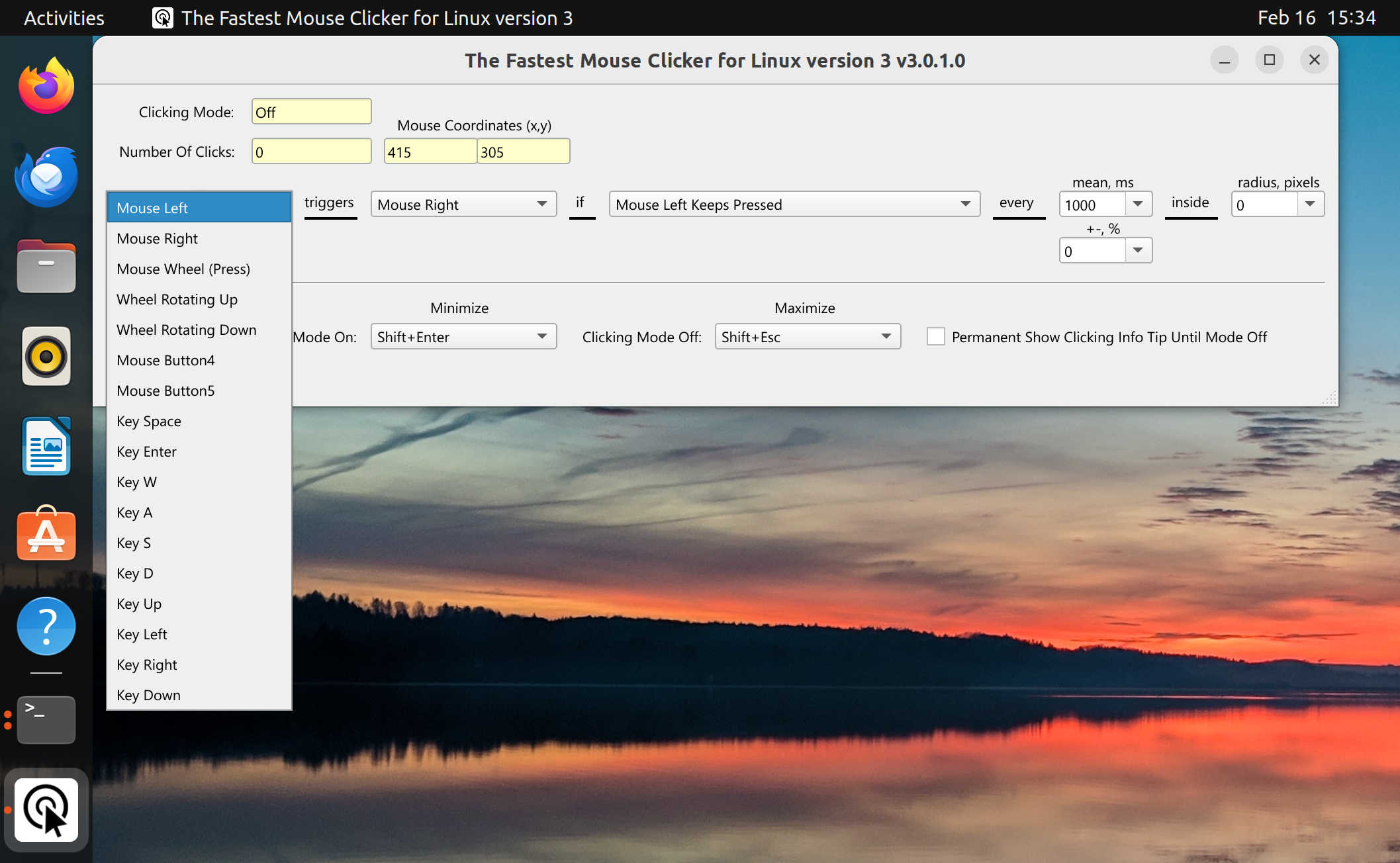 |
| Linux - Ubuntu on Xorg - Mouse Wheel (Click) | Linux - Ubuntu on Xorg - Mouse Left Keeps Pressed |
|---|---|
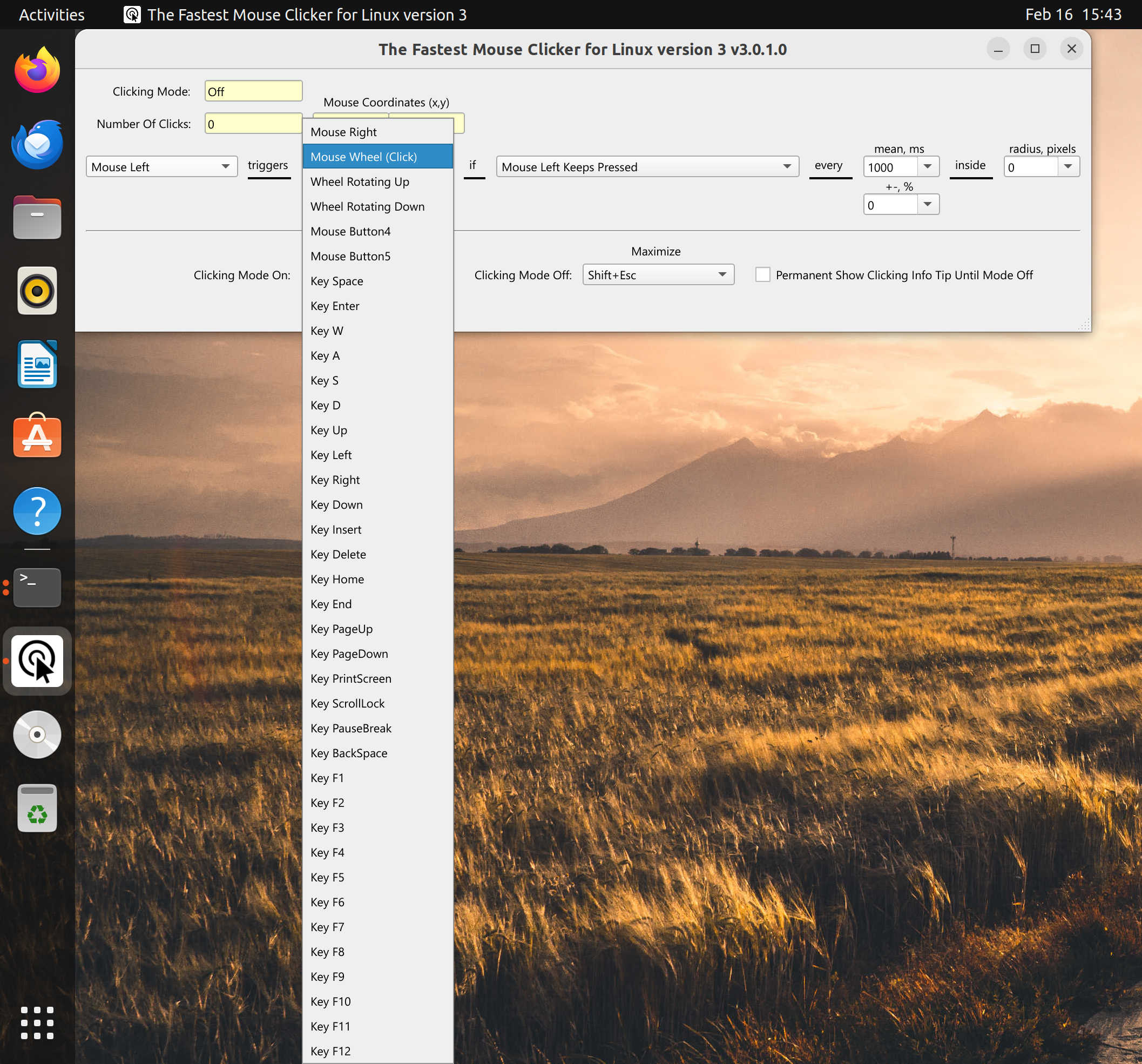 |
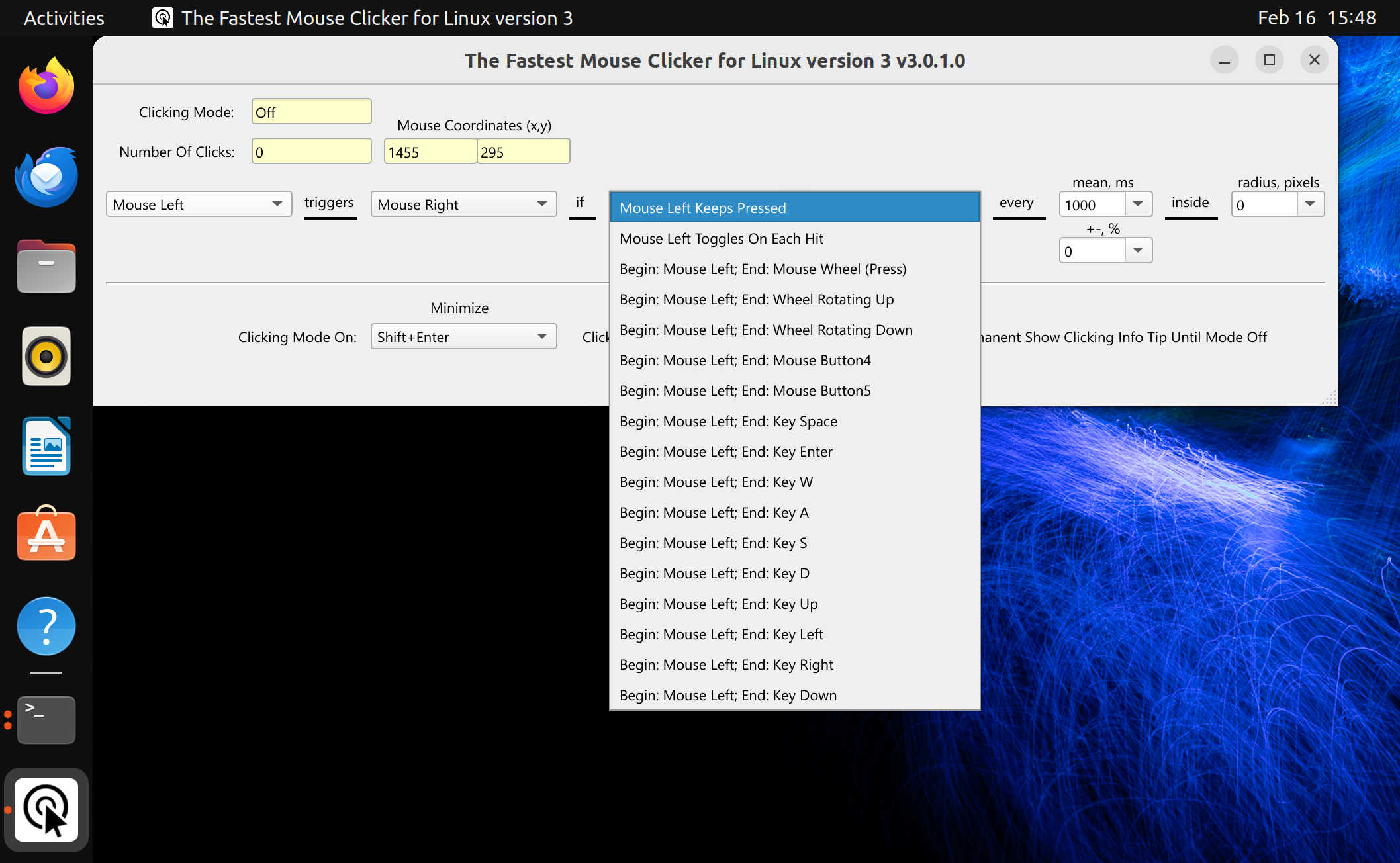 |
The Fastest Mouse Clicker for Linux version 3
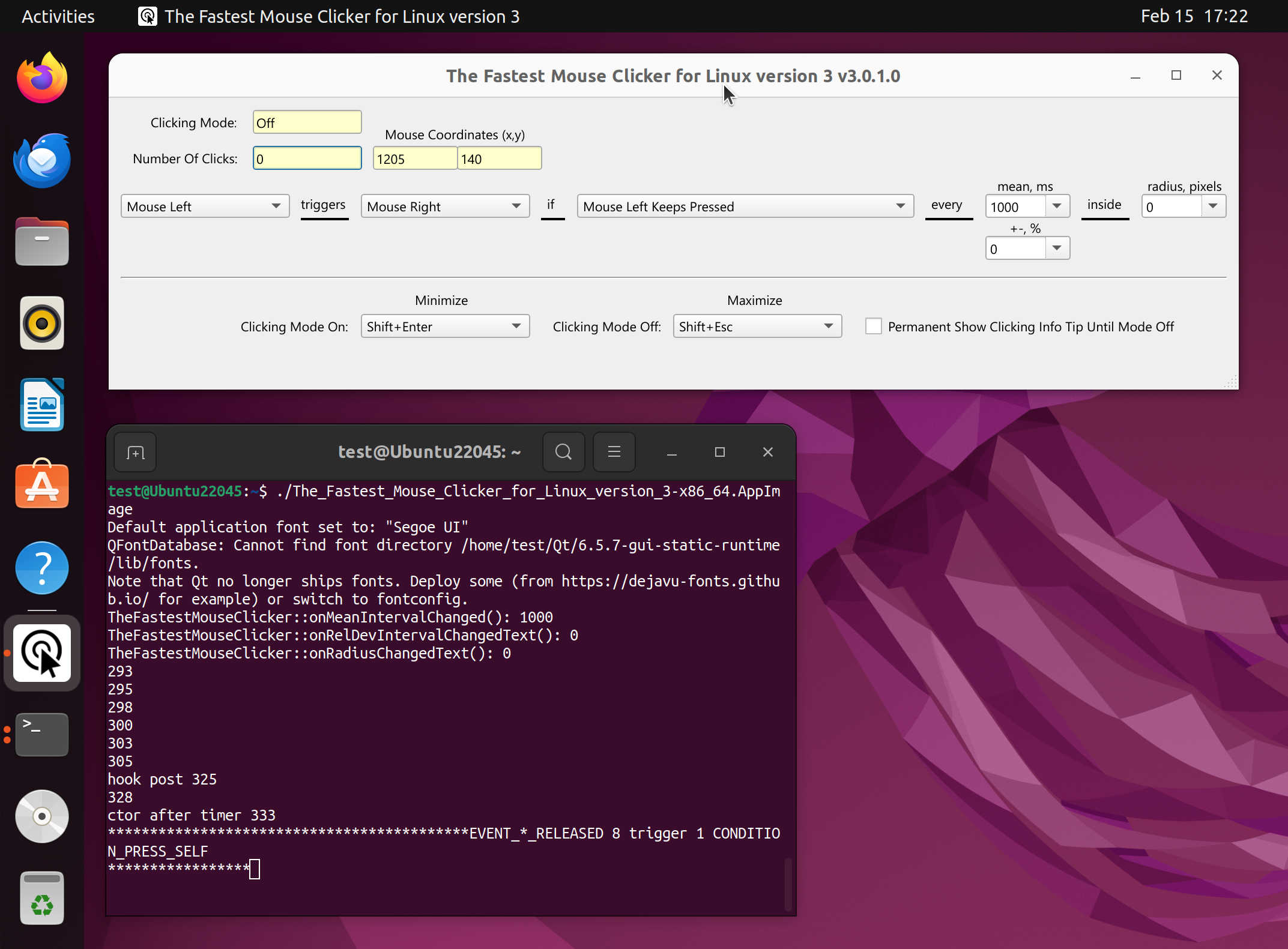
Ready.
Source Code
Apart of download the source code as a zip-file for a particular version, you can browse it at codeberg.org.
Take a look at The Fastest Mouse Clicker for Windows! It shares the same code-base with The Fastest Mouse Clicker for Linux being the one cross-platform program.
Comparison vs. XClicker
XClicker is an open-source auto-clicker for Linux desktops using X11 window system. It allows users to customize time interval between clicks and supports their randomization for more natural clicking patterns. XClicker is written in C and uses the GTK framework. Its user-interface may look different depending on what GTK theme you are using. This fact could be considered as a disadvantage, since XClicker GUI does not look uniform across the themes.
Opposite to XClicker, The Fastest Mouse Clicker for Linux, Windows, macOS, FreeBSD has the standard look-n-feel and behavior across all supported platforms. Meanwhile, XClicker supports only Linux with the installed GTK package. The Fastest Mouse Clicker is distributed as an AppImage so it is package-agnostic and runs everywhere, regardless your particular Linux distribution or configuration released after 2022.
| Feature | XClicker | The Fastest Mouse Clicker for Linux, Windows, macOS, FreeBSD |
|---|---|---|
| Open source project | Yes | Yes |
| Regular updates and bug fixes | Yes | Yes |
| Arbitrary trigger key for clicking | Yes | Yes |
| Mouse button as trigger key for clicking | No | Yes |
| Independent trigger keys in toggle mode | No | Yes |
| All the clicking parameters auto-save | Unknown | Yes |
| Randomization of time intervals between individual clicks | Yes | Yes |
| Random clicking in a specified rectangle | No | Yes |
| Side .so/runtime independent (runs on bare Linux) | No: GTK dependencies | Yes (AppImage) |
| Checkbox to keep the app window always Top | No | Yes |
One can see, The Fastest Mouse Clicker for Linux takes full supremacy over XClicker.