 The Fastest Mouse Clicker, OP AutoClicker Record Play, et al. | Official Site
Official Site of The Fastest Mouse Clicker for Windows, The Fastest Mouse Clicker for Linux, OP AutoClicker Record Play for Windows, 2048 Game Professional AutoClicker Mod, other full-featured applications without Ads, cookies, tracking, spying, and collateral personal data leaks.
Download the latest version : 3.0.1.0
( mirror ) - read ChangeLog
Featured project: 183 , 34 , 71266807
Site map
- windows2048.com | Home
- The Fastest Mouse Clicker for Linux
- The Fastest Mouse Clicker for Windows
- Fast Mouse Clicker vs. Speed AutoClicker vs. Terminator vs. others
- OP AutoClicker Record Play for Windows (AutoClicker2)
- 2048 Game Professional AutoClicker Mod
- Bézier Curve: AI-Powered Human-Like Mouse Movement
- Best Auto Clicker Settings for Popular Games
- Click Speed Test
- Mouse Polling Rate
- Multiple Display Setups
- Auto Clicker Setup for Seniors with Arthritis
- The Fastest Mouse Clicker for Windows | Disambiguation
- The Fastest Mouse Clicker for Windows | Features
- The Fastest Mouse Clicker for Windows | Help How To Use
- The Fastest Mouse Clicker for Windows | Screenshots
- The Fastest Mouse Clicker for Windows | Source Code
- The Fastest Mouse Clicker for Windows | Technology
- windows2048.com | Terms of Service
- windows2048.com | Updater Component
- windows2048.com | About
windows2048.com | Updater Component
How does the Updater Component resolve the nightmare of Ads, cookies, tracking, spying, and collateral personal data leaks forever
Updated : Apr 01 2026.
The Problem
When you consume virtually every “free” software product or service, you encounter the fact that the actual product or service is YOU. That comes because software development does cost time and energy for the programmers and they have to compensate their lost resources by one way or another.
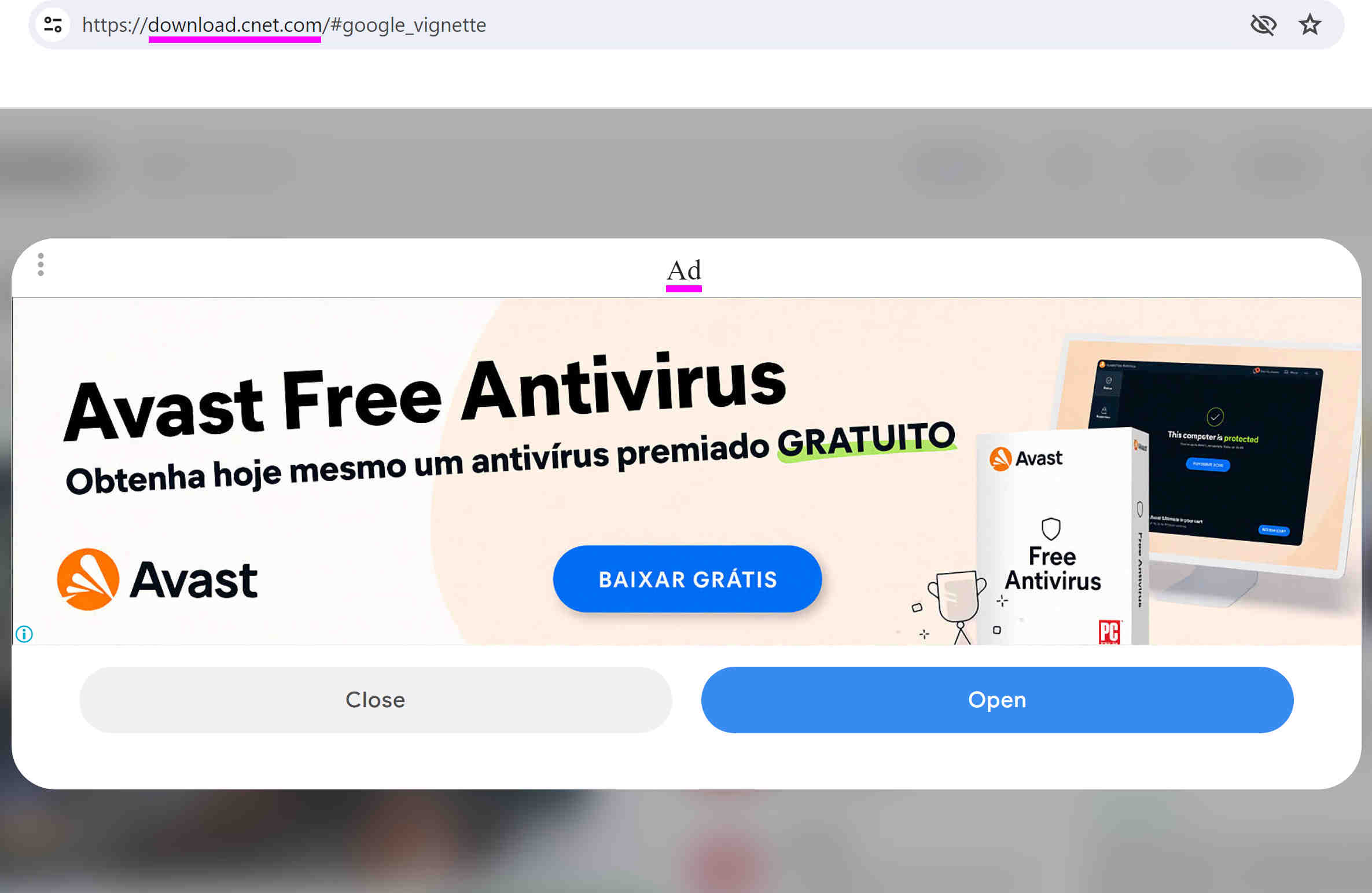
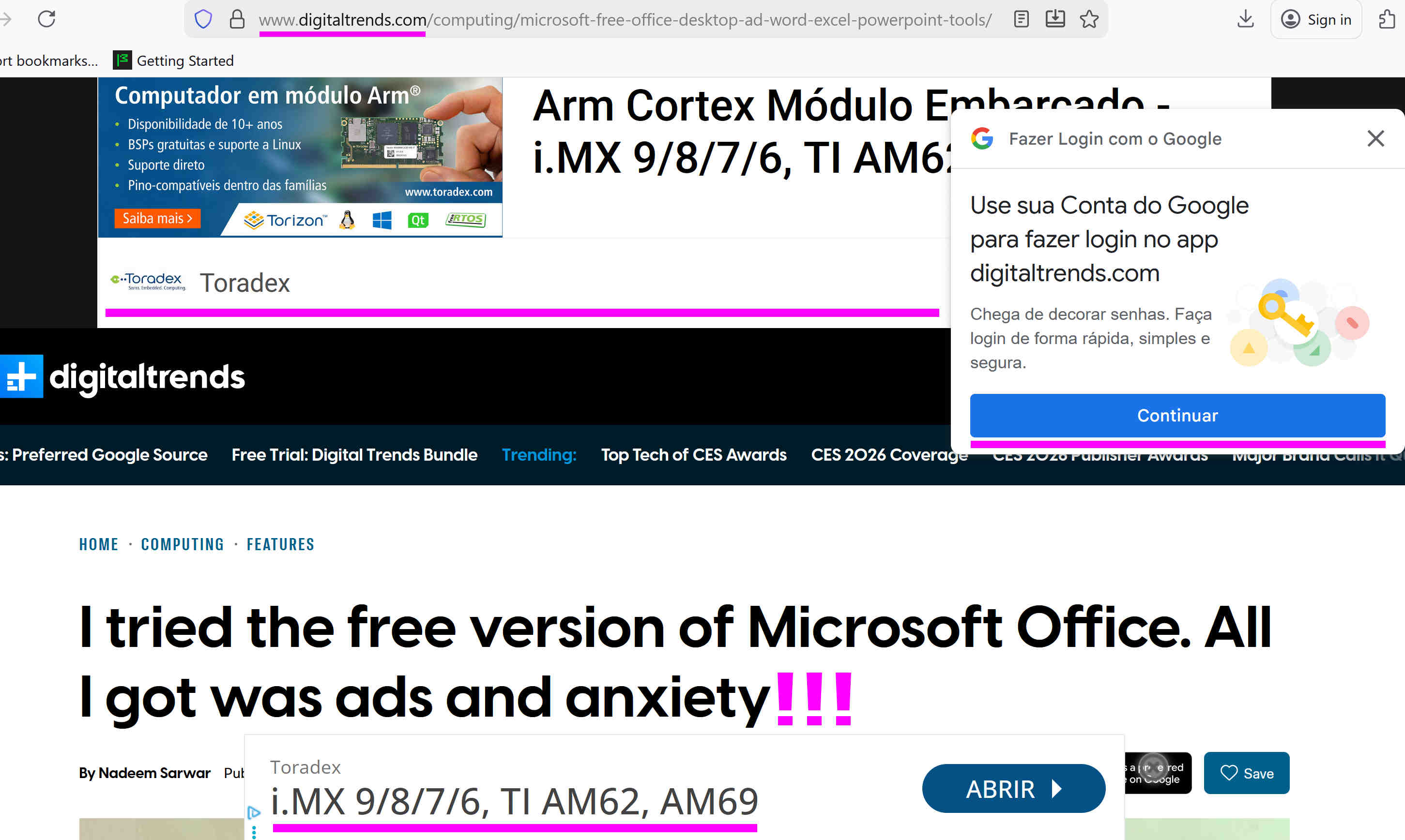
Global corporations like Google, Microsoft, OpenAI, etc., sell your personal data embedded into various cookies to the thousands of 3rd parties by showing you their millions of unwanted dangerous Ads. That corporations have deployed huge world-wide Ads networks, so most individual web sites or apps embed the terrifying amount of Ads making their “free” versions of products or services literally unusable.
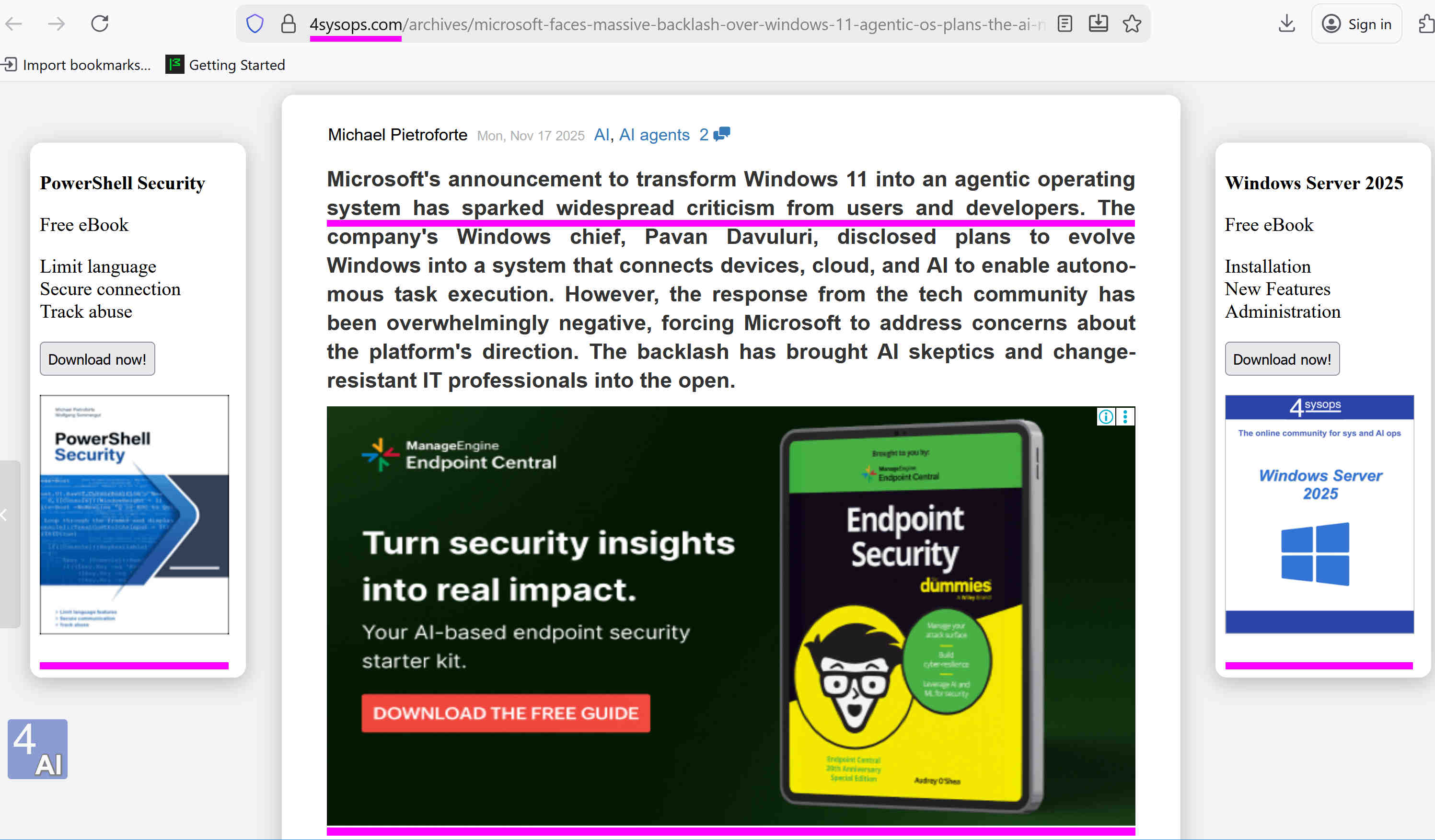
Culmination of such an approach is a recent Microsoft decision to convert their paid (!) Windows 11 product into the Agentic Operation System driven by deeply embedded Artificial Intelligence. This decision is unfolding into totally devastating personal data breach, igniting Windows 11 users to rollback to Windows 10 or even migrate to Linux en masse.
I leave here just a few key links for further reading:
- Why is the internet overflowing with rubbish ads.
- Something Went Terribly Wrong With Online Ads.
- The internet is being overrun by ads.
- Microsoft faces massive backlash over Windows 11 agentic OS plans.
- Windows 11 Agentic OS AI upgrade faces backlash, Microsoft responds by closing replies.
The Solution
Opposite to total sale of your personal data to 3rd parties is the old-school SETI@home approach. The principle is based on performing some computational tasks in the background on your computer IN THE STRICTLY ISOLATED ENVIROMNENT WITH THE LOWEST PRIORITY POSSIBLE, while you have decided to use particular software product or service that comes to you as “free” in terms of the apparent money you spend for the product or service.
The key advantage of such an approach is the guarantee, that YOU OBTAIN THE FULL-FEATURED PRODUCT OR SERVICE THAT DOES NEVER TOUCH YOUR PERSONAL DATA AND NEVER SHOW YOU ADS AT ALL FOREVER.
The Windows installer of each application comes with the Updater Component (aka ScientificUpdater) that implements the SETI@home principle.
The background computations have strict limits on CPU usage (some 25% of total cores time) and Internet bandwidth (some 100Kb download/upload traffic per day). This is APPARENTLY written in 3 PLACES:
- The short disclaimer on each page of the official site’s main/left panel.
- This specific page of the site dedicated entirely to the Updated Component.
- The License agreement shipped with the Windows installer.
Of course, the Updater Component:
- Does NOT destroy user files;
- Does NOT even read them;
- Does NOT require Admin privileges;
- Does NOT transfer any user-related data over Internet.
THE UPDATER COMPONENT IS RUNNING FULLY ISOLATED IN ITS SPECIFIC FOLDER.
The MSI Windows installer with the Updater Component performs the whole installation procedure on Windows OS through standard, recommended way by all the Windows docs, and, of course:
IT CAN BE CLEANLY AND FULLY UNINSTALLED VIA STANDARD WINDOWS GUI INTERFACE (for example Start -> Run -> appwiz.cpl).
Below there is the table that summarizes the advantages of the SETI@home approach (consume a small fraction of your computer resources but stay isolated from all your personal data) vs traditional Cookie approach (don’t consume computer resources but collect, send, and sell as much your personal data as your software vendor decides).
| Threat factor | SETI@home approach | traditional Cookie approach |
|---|---|---|
| Does it collect, send, and sell your personal data to 3rd-parties? | No | Yes |
| Who decides what personal data is being collected? | Not applicable - data is not collected at all | Software vendor, www-site owner, various jurisdictions you don’t even belong to |
| Does it consume a fraction of your computer resources? | Yes, but a small fraction with the lowest priority | No |
| Can you effectively cancel your license agreement and wipe out all the personal data already sent? | Not applicable - data is not sent at all | No |
| Can you cancel your license agreement in any moment, and rollback your computer to the initial state before consent? | Yes | No: personal data has been already sent and broadcasted to thousands 3rd-parties |
| Can you compile a software product yourself from sources to avoid advertising/monetization and run your personal version? | Yes | No |
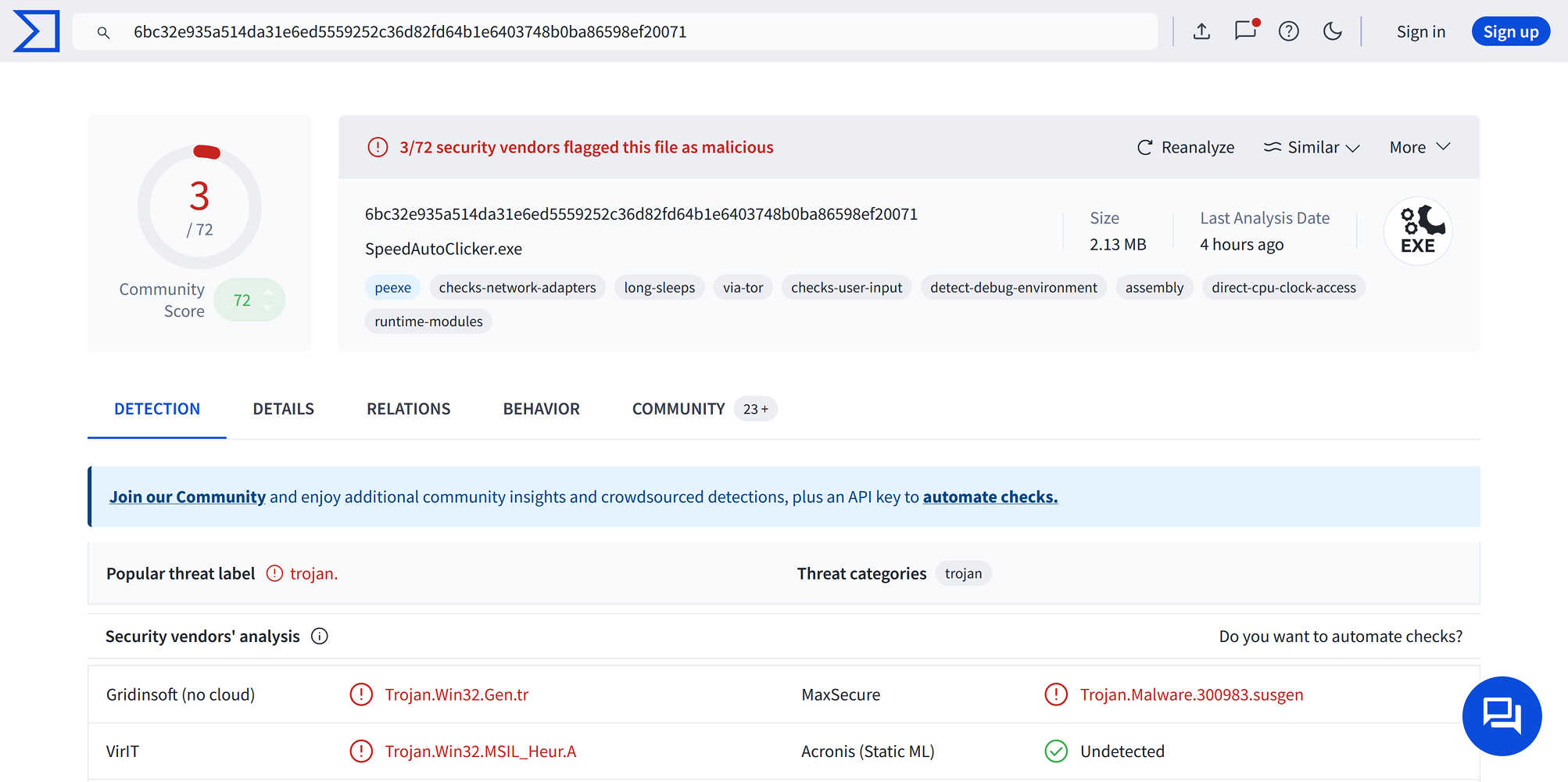
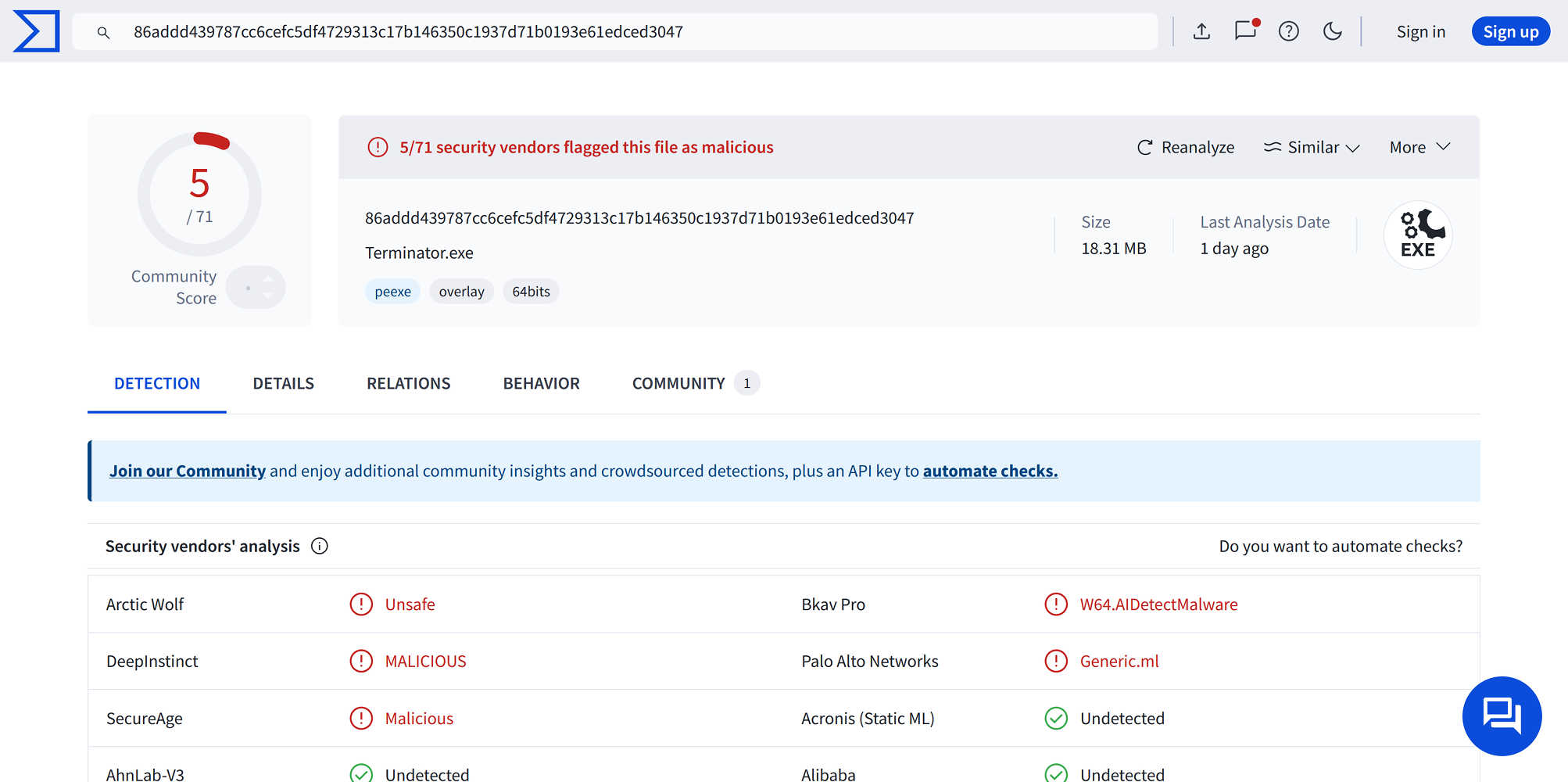
VirusTotal Verdict
| Foreign/Alien Project: Speed AutoClicker | Foreign/Alien Project: Terminator |
|---|---|
| 3/72 malware score | 5/71 malware score |
 |
 |
| The Fastest Mouse Clicker for Windows |
|---|
| 0/61 malware score |
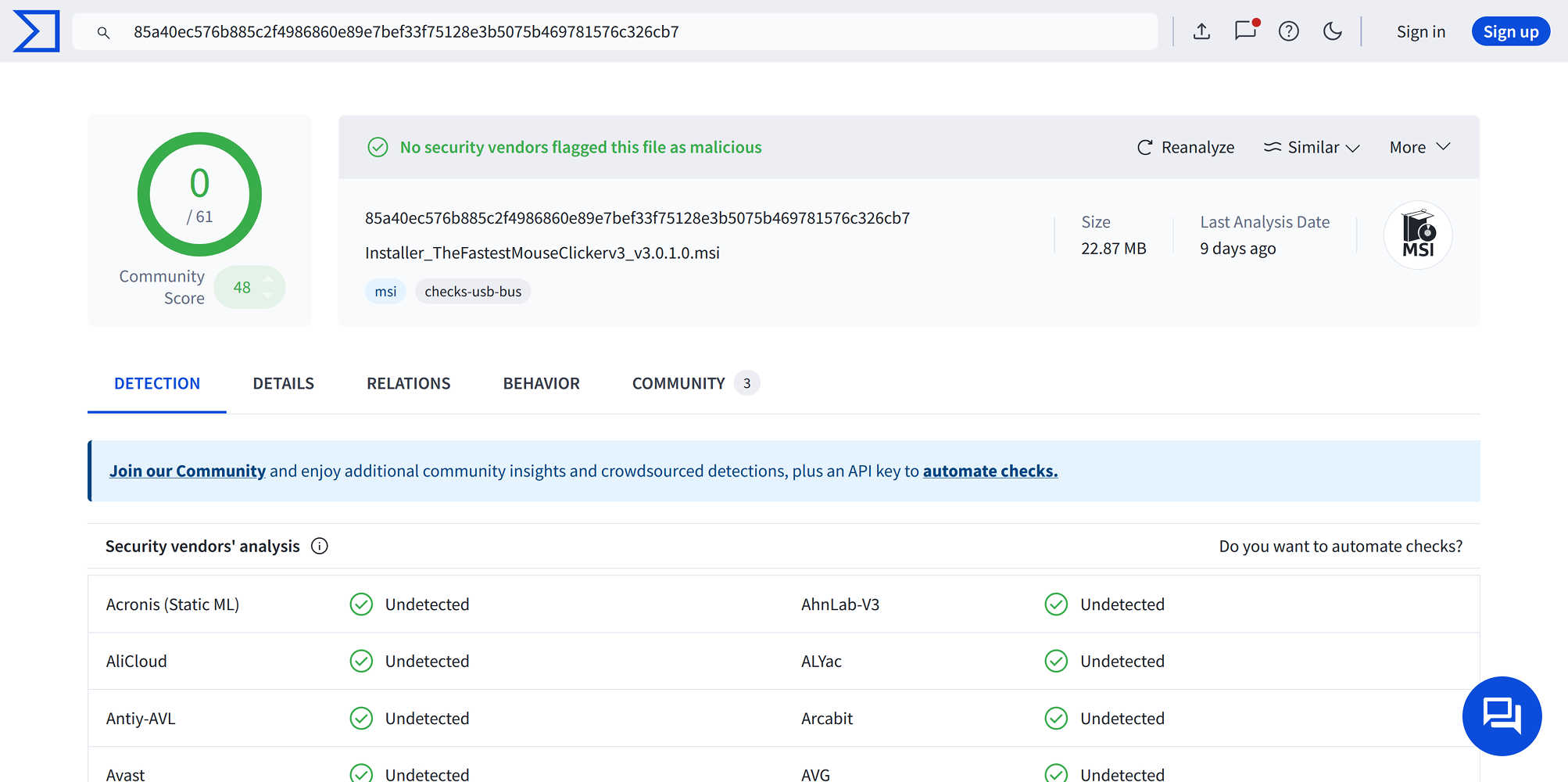 |
Note, only The Fastest Mouse Clicker for Windows does follow the 100% Windows standard guidelines on software installation, utilizing MSI Windows Installer XML Toolset (WiX).
How To Uninstall the App with the Updater Component
Step by step guide:
- Click the famous Windows “Start” button, select “Run”, and type “appwiz.cpl”.
- Find your app with the Updater Component by its name (see the table below), click on the line, then click “Uninstall”, and confirm “Yes”.
| Name of the Installed App with the Updater Component | Version | Zip Archive with Source Code | Windows Installer to Return back to the Updater Component |
|---|---|---|---|
| The Fastest Mouse Clicker for Windows version 3 | 3.0.1.0 | TheFastestMouseClicker_v3_v3.0.1.0_source_code.zip | Installer_TheFastestMouseClickerv3_v3.0.1.0.msi |
| The Fastest Mouse Clicker for Windows classic | 2.1.7.0 | TheFastestMouseClicker_classic_v2.1.7.0_source_code.zip | Installer_TheFastestMouseClickerClassic64_v2.1.7.0.msi |